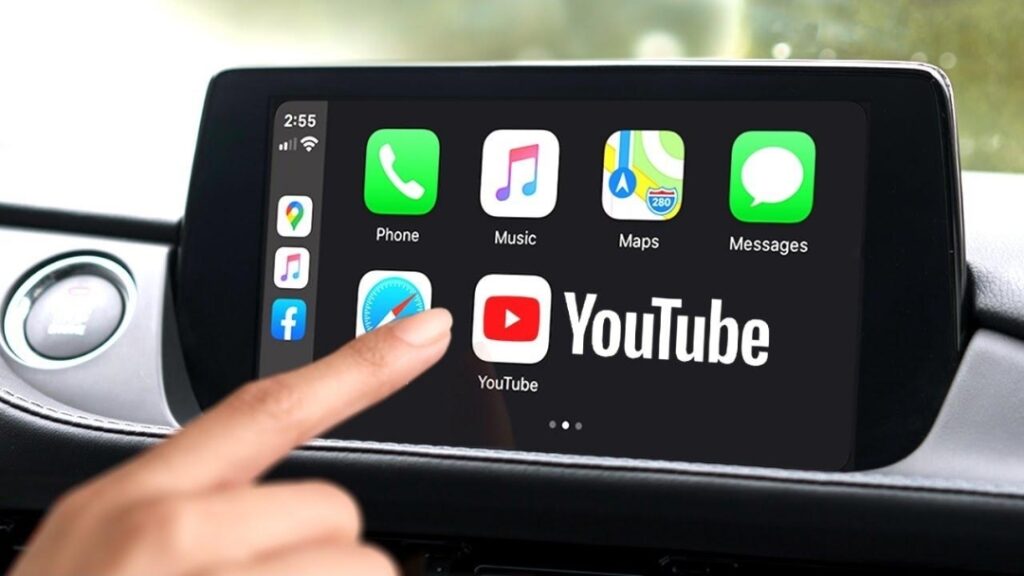
iOS 27 CarPlay YouTube: Apple’s latest CarPlay update finally brings video apps to the dashboard, but there’s an important catch.
For years, Apple CarPlay has been designed with one clear goal: keeping drivers focused on the road. While users could access navigation, music, calls, and messages, watching videos on the dashboard was intentionally blocked for safety reasons.
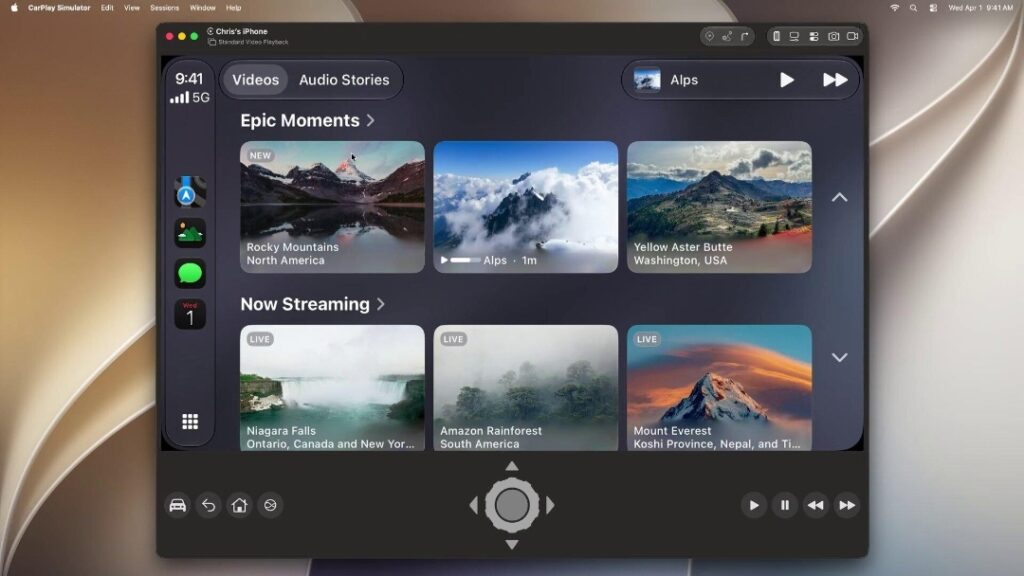
With iOS 27, Apple is finally changing that. The company has introduced official support for CarPlay Video Apps, allowing compatible apps to play videos on supported car displays when the vehicle is parked. This opens the door for YouTube and other video services to work in a safer and more official way without relying on unofficial tricks.
If you are wondering how the feature works, which cars support it, and whether you can watch videos while driving, this complete guide explains everything you need to know.
iOS 27 Brings Official Video Support to CarPlay
Unlike older workarounds that required jailbreaks, AI boxes, or expensive adapters, iOS 27 introduces an official framework that allows developers to build video apps for CarPlay.
The new system is built directly into Apple’s ecosystem, making the experience much smoother and more secure. Instead of complicated setup methods, compatible apps can now communicate directly with supported vehicle displays.
This is one of the biggest entertainment upgrades CarPlay has received in years.
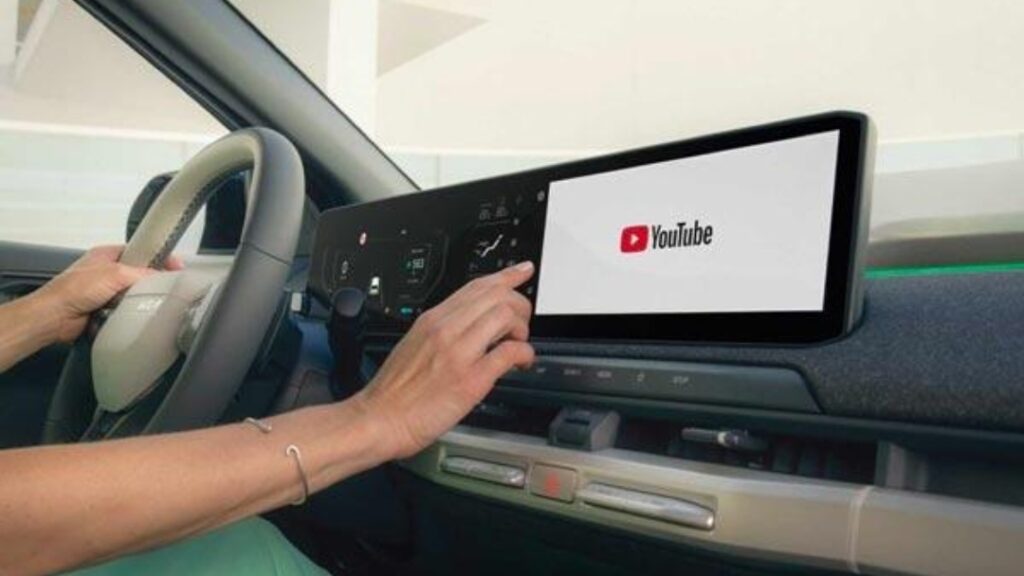
How YouTube Works on Apple CarPlay
The process is surprisingly simple once your device and vehicle support the new feature.
Follow these steps:
- Update your iPhone to iOS 27.
- Connect your iPhone to CarPlay using a wired or wireless connection.
- Open a compatible video app.
- Launch the app from your CarPlay screen or use AirPlay if supported.
- Browse and watch videos while your vehicle is parked.
The experience feels similar to using YouTube on a tablet, but it has been redesigned to work safely on a car’s infotainment display.
Your Car Must Support the Feature
This is the most important detail many users overlook.
Installing iOS 27 does not automatically enable video playback in every CarPlay-equipped vehicle.
Your car manufacturer must also enable Apple’s new Video in Car capability.
The feature requires three things:
- An iPhone running iOS 27
- A compatible CarPlay-enabled vehicle
- A supported video app
Because manufacturers roll out software updates at different times, availability may vary from one vehicle to another.
Can You Watch YouTube While Driving?
The answer is simple: No.
Apple has built strict safety protections into the system to prevent distracted driving.
Safety features include:
- Video playback only works while the vehicle is parked.
- The video automatically stops when the car begins moving.
- If the vehicle shifts into Drive, the screen immediately disables video.
- In many cases, audio continues playing even after the video stops.
- The picture returns once the vehicle is parked again.
This makes the feature useful for charging stops, airport pickups, lunch breaks, or waiting inside a parked vehicle.
No Extra Hardware Is Required
One of the biggest advantages of iOS 27 is that most users no longer need unofficial accessories.
You can forget about:
- Jailbreaking your iPhone
- CarPlay unlock software
- AI Box adapters
- Screen mirroring hacks
Everything works through Apple’s official system as long as your iPhone, vehicle, and supported app are compatible.
Which Apps Support CarPlay Video?
Apple has confirmed the new CarPlay Video Apps category, with Apple TV becoming one of the first supported examples.
Apps that already support AirPlay video have a better chance of working on compatible vehicles, while support from additional developers is expected to grow over time.
| App | Support Status |
|---|---|
| Apple TV | Confirmed |
| AirPlay-compatible apps | Supported on compatible cars |
| YouTube | Supported through compatible implementations |
| Netflix | No confirmed native support yet |
| Prime Video | No confirmed native support yet |
More apps are expected to adopt the new framework as developers update their software.
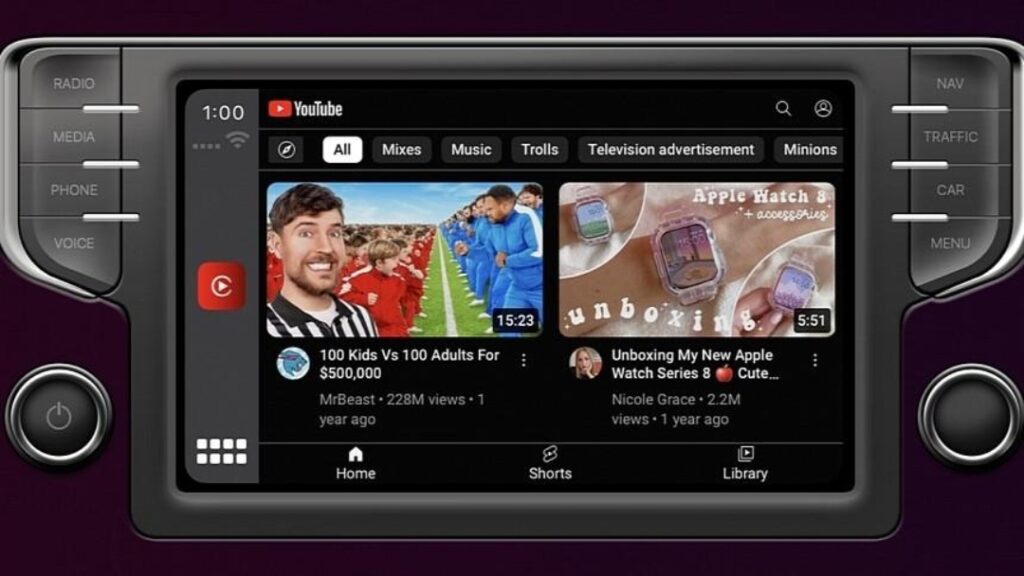
Why This Update Matters
This update is about more than just watching videos.
It shows Apple is expanding CarPlay while still keeping safety as the top priority.
For electric vehicle owners, the feature can make charging sessions more enjoyable. Travelers waiting in parking lots can watch content without reaching for their phones, and people taking short breaks inside their cars get a better entertainment experience without relying on unofficial workarounds.
The combination of convenience and built-in safety restrictions makes this one of the most practical CarPlay improvements in recent years.
Final Thoughts
The arrival of video support in iOS 27 marks an important step forward for Apple CarPlay.
Instead of forcing users toward risky modifications, Apple now offers an official solution that works with compatible vehicles and supported apps. The parked-only restriction ensures entertainment does not come at the cost of road safety, while future updates are likely to bring even more compatible apps to the platform.
If your vehicle supports the new CarPlay Video feature, iOS 27 could completely change how you spend time during charging stops, parking breaks, and other moments when your car is safely parked.
Also Read This
- iPhone 18 Pro vs Galaxy S26: Full Specs, Camera, Battery and Price Comparison
- Tata Avinya X and Next-Gen Tata Nexon: Everything We Know About Tata’s Big 2027 Plans
- Mumbai Man Sells Bitcoin for Rs 1.24 Crore: Why ITAT Quashed the Tax Demand
- Xiaomi 18 Pro Real-Life Images Surface: Why the New Flush Camera Design Changes Everything
- Redmi Note 17 Pro vs OnePlus Nord CE 6 Comparison: Which Phone Offers More Under Rs. 40,000?
iOS 27 CarPlay YouTube: click here
iOS 27 CarPlay YouTube: click here